01
How do I find my PayJoy Pay@ reference number?
02
Where can I pay my PayJoy account?
03
Can I pay my PayJoy instalment without a bank account?
04
How do I pay with an OTT Voucher or 1Voucher?
05
How do I pay my PayJoy account in my banking app?
06
How quickly does my payment reflect?
07
What happens if I miss a payment?
How do I find my PayJoy Pay@ reference number?
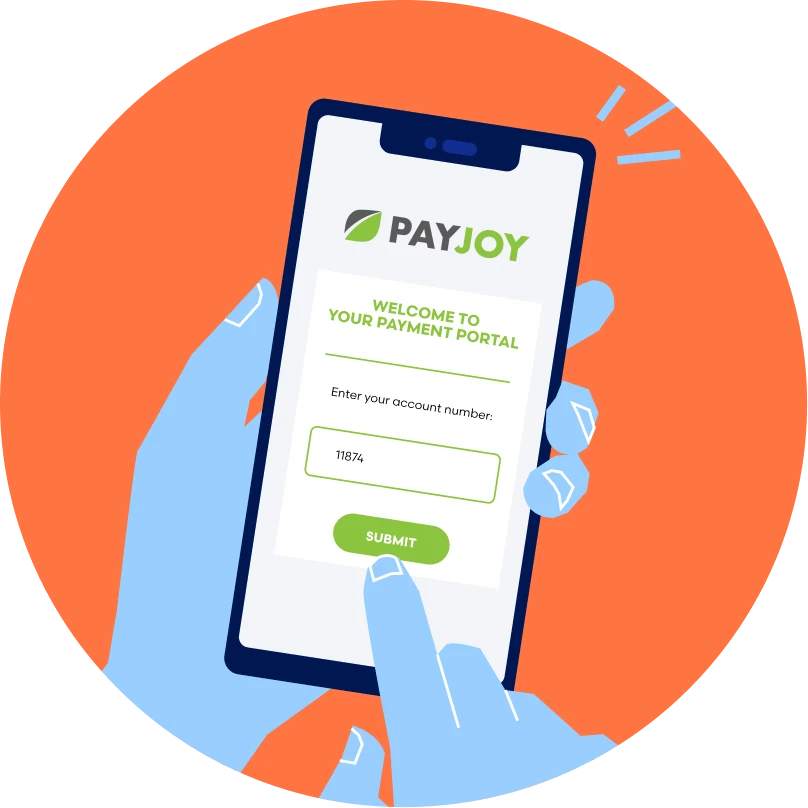
Your Pay@ reference number is found on your PayJoy SMS when you opened your account. It's unique to your account, so keep it handy whenever you pay.
Where can I pay my PayJoy account?
You can pay through your banking app, a payment app like SnapScan or Zapper, with an OTT Voucher or 1Voucher, or in cash at your nearest spaza shop or informal retailer.
Can I pay my PayJoy instalment without a bank account?
Yes. Buy an OTT Voucher or 1Voucher with cash at any participating store nationwide, then pay online at payat.io. No bank card or bank account needed.
How do I pay with an OTT Voucher or 1Voucher?
Buy your OTT Voucher or 1Voucher with cash at any participating store. Then go to payat.io, enter your Pay@ reference number, select voucher as your payment method and enter your voucher code to complete payment.
How do I pay my PayJoy account in my banking app?
Open your banking app and look for a bill payments option. Enter your Pay@ reference number found on your PayJoy SMS, WhatsApp or account statement, confirm the amount due, select the account you want to pay from, then complete the payment.
How quickly does my payment reflect?
Payments reflect on your PayJoy account instantly or within a few hours, depending on your payment method.
What happens if I miss a payment?
- Device locking: If you miss a payment, PayJoy locks or blocks your phone remotely. The phone will remain restricted until you pay the outstanding balance, though you can still make emergency calls.
- No late fees/penalties: PayJoy does not charge extra late-payment interest or cash penalties for missing a due date.
- Credit reporting: PayJoy reports both on-time and missed payments to credit bureaus. Failing to complete your agreement can negatively affect your credit score and financial record.
- Account settle & return options: You can unblock your device at any time by paying the balance online, via the app, or at a partner store. You may also return a working device in good faith to close your loan obligation without a negative credit impact.
 Simple