Pay Your FoneYam Account with Pay@

Pay your monthly FoneYam instalment safely and securely. Use your banking app, a payment app, voucher or pay in-store. No bank account needed.

FoneYam
Simple
Secure
Pay with cash, card or voucher
No bank card needed
Paying FoneYam through Pay@

Paying FoneYam through Pay@

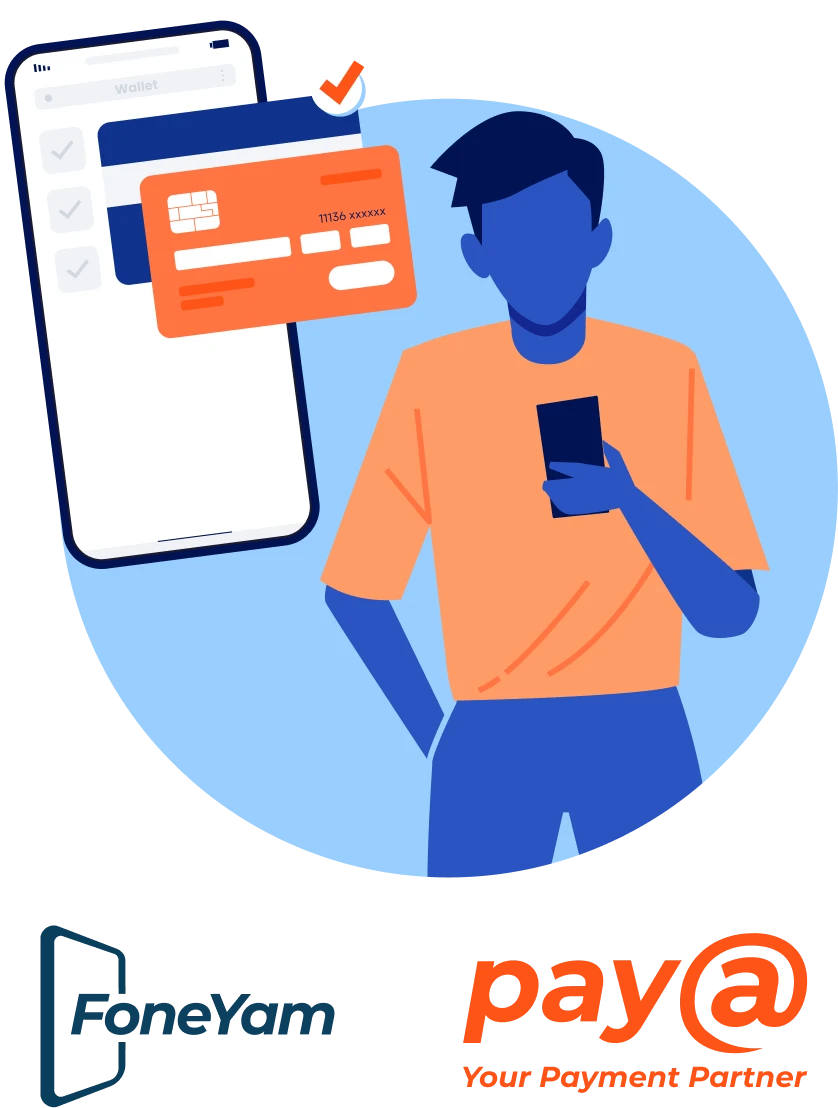
Every FoneYam account has a unique Pay@ reference number that starts with 11136. Customers can choose how they pay: in a retail store, with a banking app, payment app, or with a voucher.

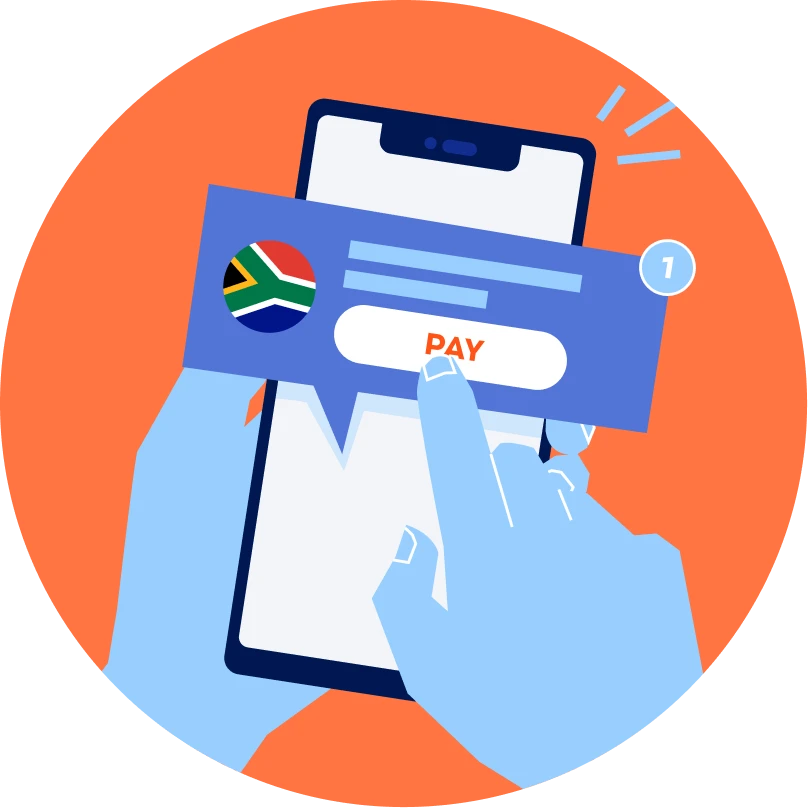
Keep your device active by visiting payat.io and entering your unique Pay@ reference number. You'll see the amount you owe and can choose your preferred payment method. Your payment will be allocated to your FoneYam account and your phone will become or remain active.

Banking Apps

Banking Apps

Pay in-app with Capitec, Standard Bank, Absa, FNB, Shoprite Money Market App, and more.

Payment apps and QR

Payment apps and QR

Pay with SnapScan, Zapper, Scan to Pay, MTN MoMo or VodaPay by scanning the QR code on your bill.

Vouchers

Vouchers

Buy an OTT Voucher, Capitec Flexi Voucher or 1Voucher with cash at thousands of stores and pay online at payat.io. No bank card needed.

In-Store

In-Store

Pay in cash at your nearest formal or informal retailer.

Where can I buy an OTT voucher?

FoneYam is available at thousands of locations across South Africa, as well as select banking apps and online channels.

  • Spaza shops
  • Supermarkets
  • Banking apps
  • Other online channels
LEARN MORE ABOUT FONEYAM PAY YOUR FONEYAM ACCOUNT HERE

Paying your FoneYam account through Pay@ takes just a few steps - no banking details, no hassle.

How it works.

Frequently Asked Questions

01

When are you going to allocate my payment?

02

My DSTV is not connected, please help!

03

The system shows an incorrect amount entered, and I can’t complete the payment.

04

I’m unable to make payment, the store has sent me away.

05

How do I receive a reference /account number to make a payment?

When are you going to allocate my payment?

Support will provide screenshots from the system to search transactions between the customer, Biller or Network. The Biller will need to allocate the payment to the customer's account. Pay@ does not do payment allocations.

My DSTV is not connected, please help!

Kindly contact Multichoice (DSTV) directly on 011 289 2222 or email help@dstv.com

The system shows an incorrect amount entered, and I can’t complete the payment.

Go to the payment site payat.io to see if the reference is valid. If it isn’t, you’ll need to contact the Biller directly.

I’m unable to make payment, the store has sent me away.

The store checks if your reference number shows up on the system. If it doesn’t, it could mean that the Biller hasn’t updated the payment information on their side. Pay@ will only be able to check if your reference number is valid.

How do I receive a reference /account number to make a payment?

The Biller allocates a unique account number to each customer. The Pay@ Reference number issued to customers is a combination of the Biller’s prefix and the customer’s account number, e.g. 115661. The Biller can provide payment reference numbers to their customers via invoice statements, emails or SMS. In the case of an SMS notification, it is rather easy to miss the number - so please check again.

When are you going to allocate my payment?

Support will provide screenshots from the system to search transactions between the customer, Biller or Network. The Biller will need to allocate the payment to the customer's account. Pay@ does not do payment allocations.

My DSTV is not connected, please help!

Kindly contact Multichoice (DSTV) directly on 011 289 2222 or email help@dstv.com

The system shows an incorrect amount entered, and I can’t complete the payment.

Go to the payment site payat.io to see if the reference is valid. If it isn’t, you’ll need to contact the Biller directly.

I’m unable to make payment, the store has sent me away.

The store checks if your reference number shows up on the system. If it doesn’t, it could mean that the Biller hasn’t updated the payment information on their side. Pay@ will only be able to check if your reference number is valid.

How do I receive a reference /account number to make a payment?

The Biller allocates a unique account number to each customer. The Pay@ Reference number issued to customers is a combination of the Biller’s prefix and the customer’s account number, e.g. 115661. The Biller can provide payment reference numbers to their customers via invoice statements, emails or SMS. In the case of an SMS notification, it is rather easy to miss the number - so please check again.

Who can I pay with Pay@?

We have over 500+ billers that you can pay, your way. Simply check your invoice for the Pay@ Reference Number, next to the Pay@ logo, barcode and / or QR Code to make payment or click on the payat.io link sent to you from the biller via SMS or email. Then decide how you want to pay, at a retailer, digital or mobile payment or with vouchers.


You’ll be redirected to the payment website once you select a biller.

Pay with an OTT Voucher

Payjoy Rain Mkopa FoneYam Home Remitt Vodapay Clicksendnow Inquaku sasai Avon